
AI-powered video editor for beginners
VivaVideo is a free multimedia mobile application from developer QuVideo Inc. It's a video editing tool that caters to the needs of beginners and veterans alike. It boasts a modern and intuitive interface, making it easy to use for newcomers while offering an extensive suite of tools that professionals look for.
Top Recommended Alternative

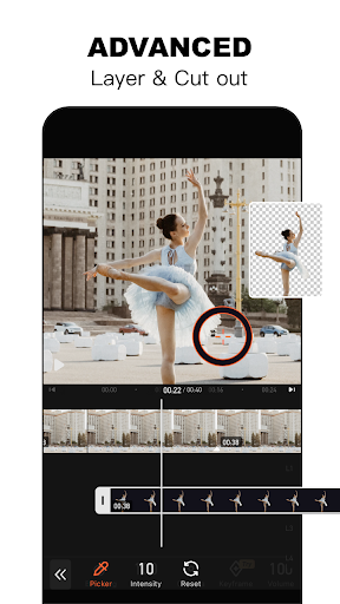
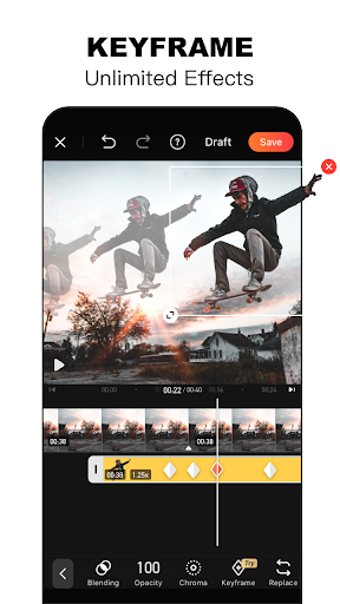
Similar to other editors like Winkit and LightCut, VivaVideo leverages advanced AI algorithms to make it easy to enhance videos with just the tap of a button. It also offers special features like enabling auto-caption generation, GIF and slideshow makers, and the ability to remove or change backgrounds.
Lights
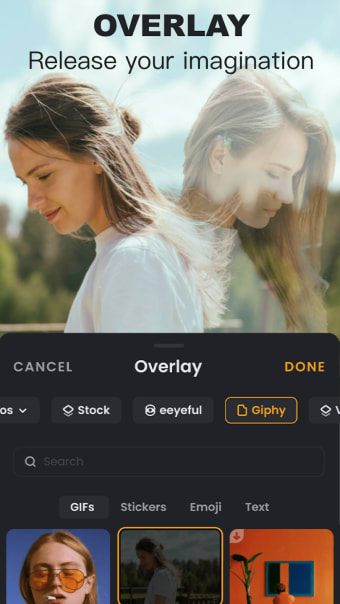
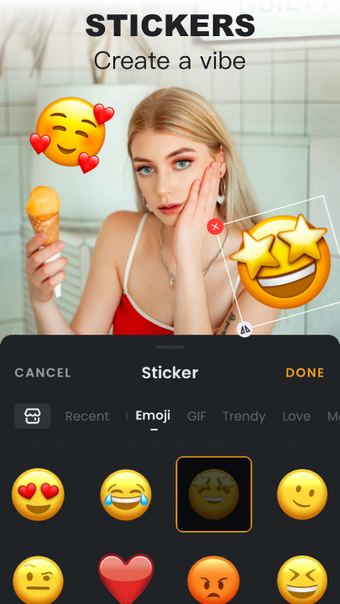
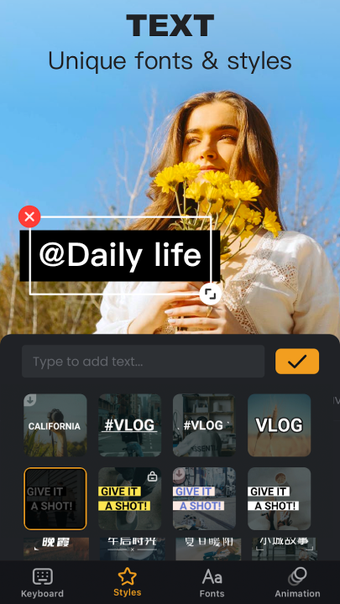
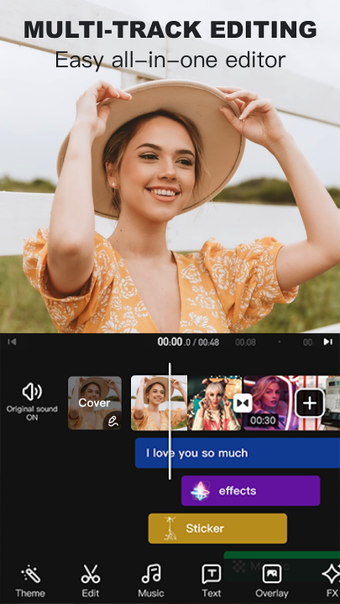
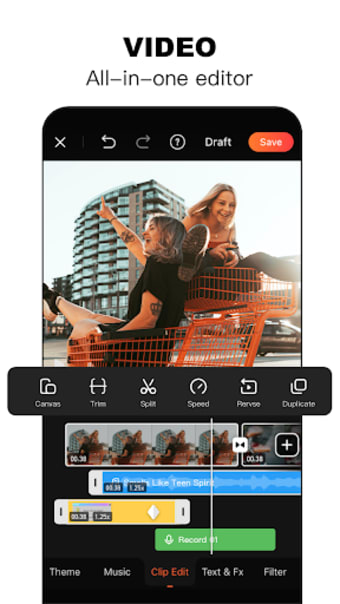
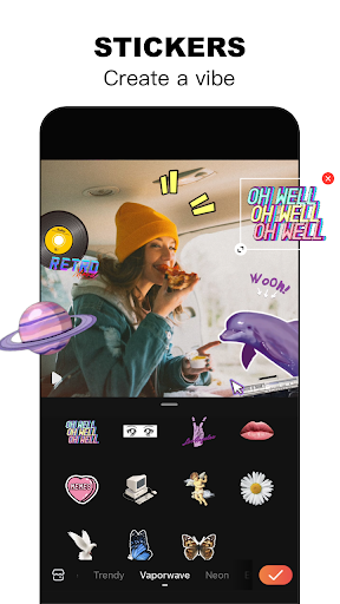
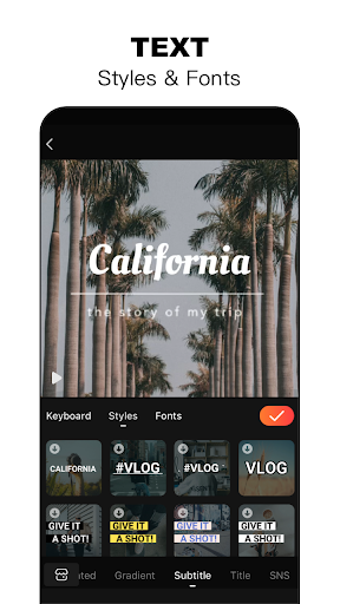
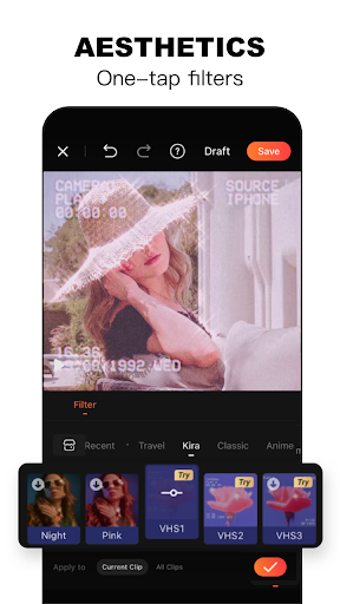
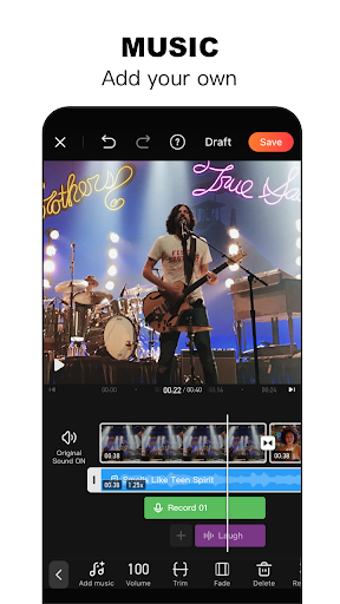
First you pick your clip, which can be taken from an existing gallery or filmed in-app. Once set, you can easily edit the length of the clip from its start and end points and change the frame size and position to focus on a desired point. After you have set your raw footage, you can apply a range of filters, text, stickers, FX, music, dubbing, and intro/outro sections to give the final video a professional touch.
Want to be even fancier? The picture in picture template allows you to set two videos to run simultaneously. While lining these up is a little tricky (as both must be filmed separately), it can create some interesting short clips.
Camera
It is also possible to create short video montages of your photos. After picking images from your gallery, VivaVideo links them together as a video by automatically applying transitions and providing a host of editable tweaks such as stickers and captions.
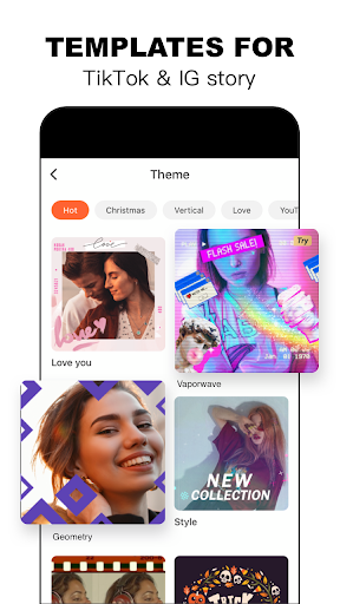
Once your video is ready for the world, you can easily share it to any one of VivaVideo's supported social networks (including Facebook and WhatsApp) or save it to your phone to send anywhere else you fancy. It's an interesting alternative to KineMaster and Dubsmash.
Action
VivaVideo is a playful and accessible little package that is easy for me to recommend—even if the free version watermarks all of your videos and limits them to five minutes.
Enhanced with AI
Overall, the injection of AI in VidaVideo just makes everything work a bit faster, and the results are better and higher quality overall. There's also much less guesswork since the process is pretty much automated, and you just have to set a few parameters and wait for your desired output to complete. Test it out and see for yourself. Recommended.